Puff
A small cloud for long work days. It waits for a good moment to suggest a break, and holds your place while you are away.
free · no account · nothing leaves your computer
🌧 Gets tired when you do
Puff's weather shows how long you have been at it: sun, then rain, then a storm.
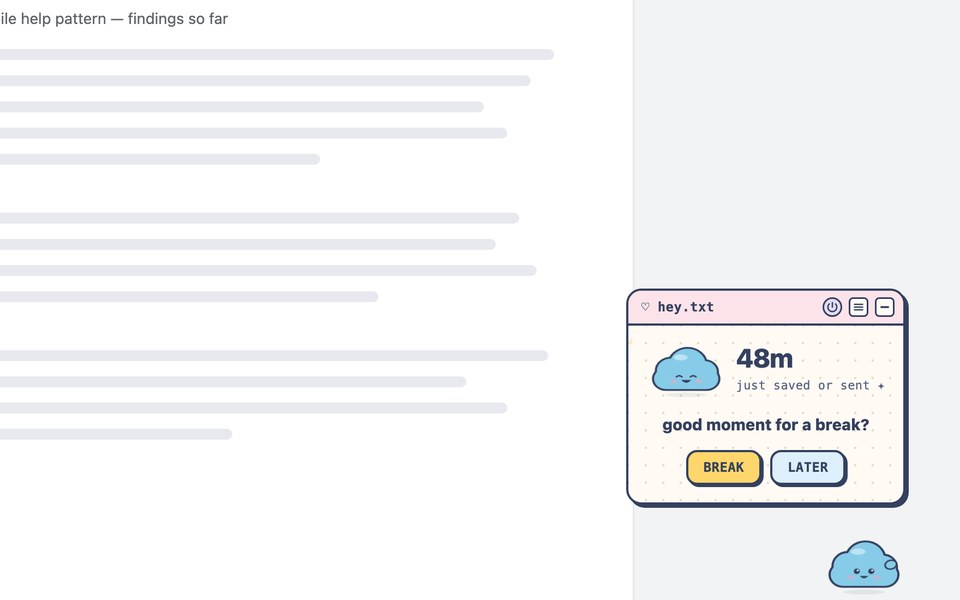
☕ Asks at a good moment
Right after you save or send something, never while you type. Once, and easy to wave off.
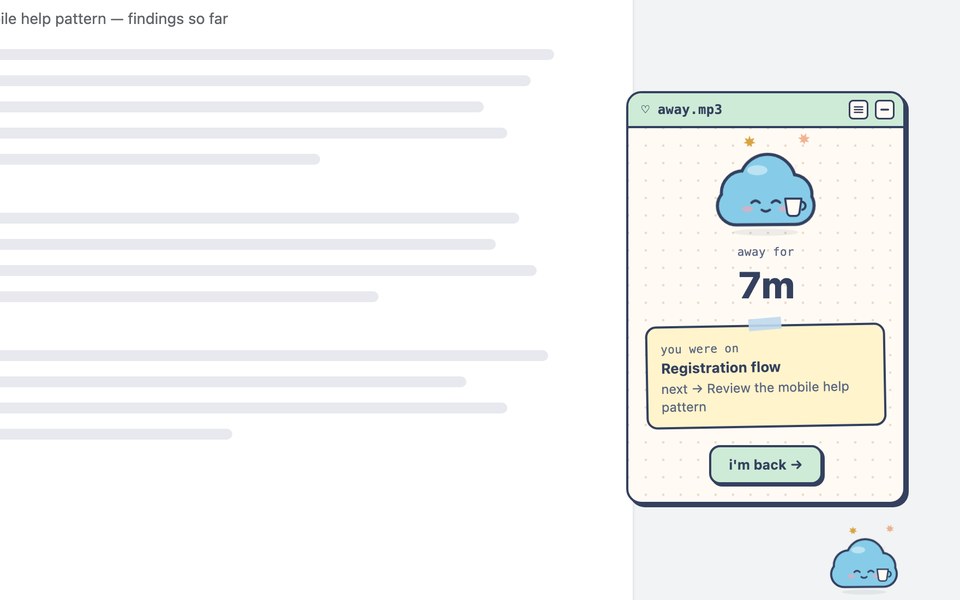
🔖 Holds your place
Step away, and come back to the page you were on, with the note you left yourself.
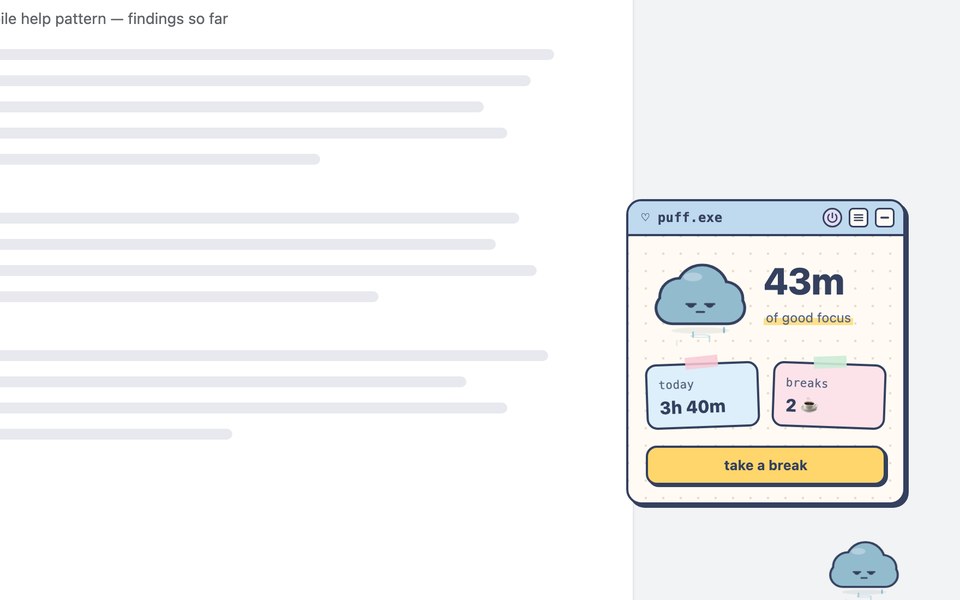
What Puff sees
How long you are active, and how often you click, type and scroll (counts only). That you saved or submitted something. Never what you type, never what is on a page, and never a tab's title or address, except the one page you choose to save for a break. It all stays in your browser and nothing is sent anywhere. Read the privacy policy.
Get Puff
Puff is on its way to the Chrome Web Store. Until then, you can install it by hand:
- Download the code and unzip it.
- Open
chrome://extensionsand turn on Developer mode. - Click Load unpacked and choose the
extensionfolder.